Spend less,
sell more.
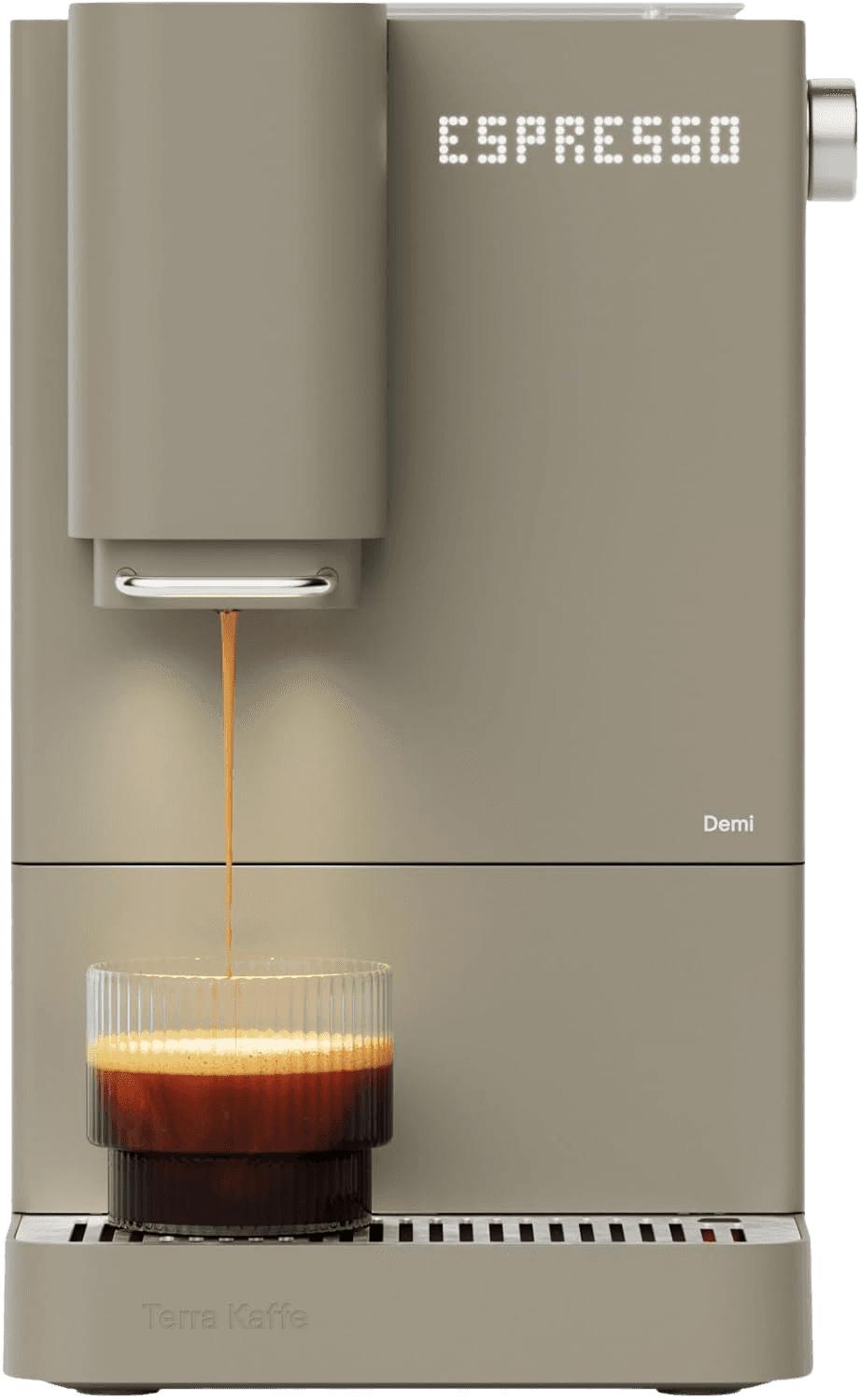
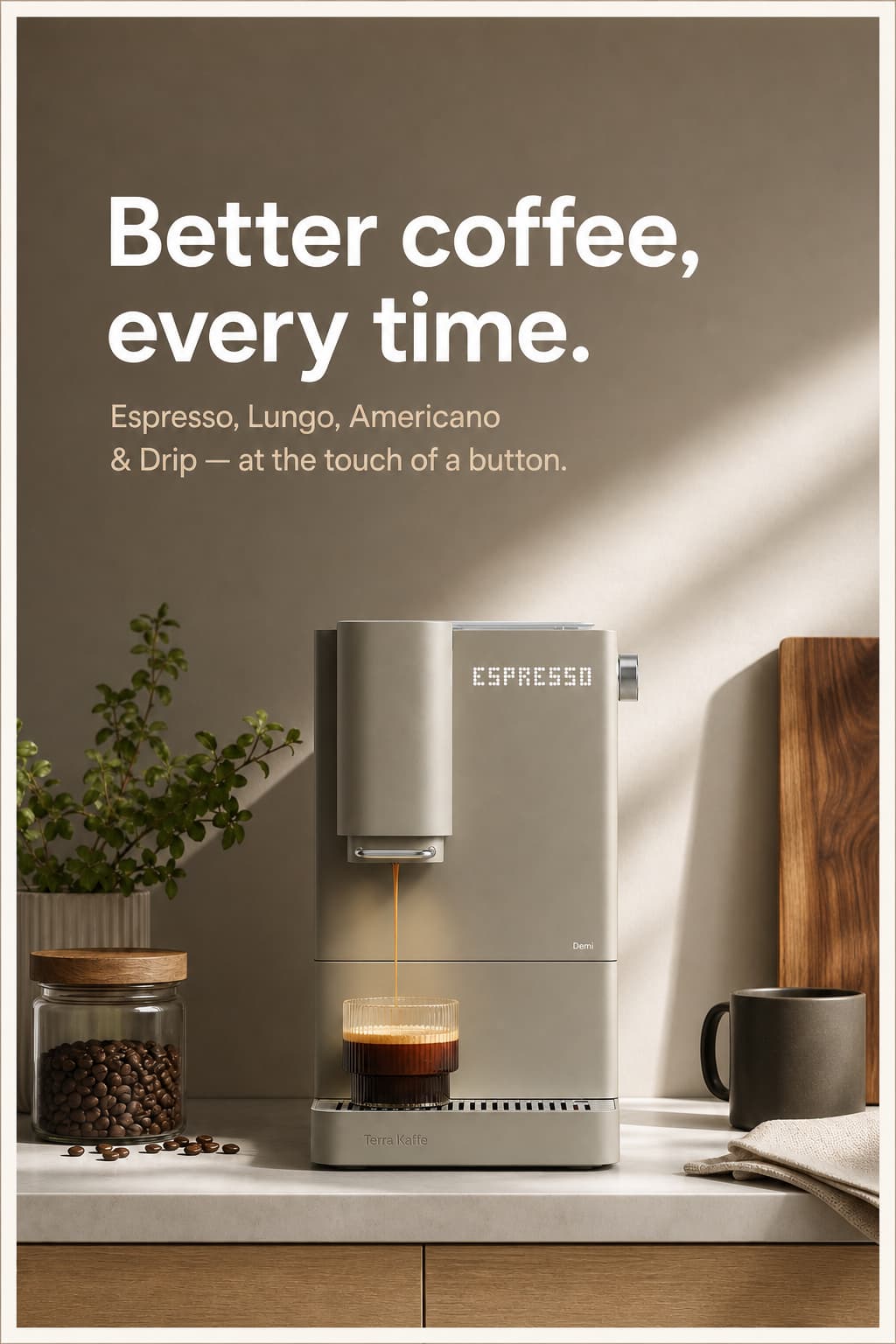
No photographer, no design skills, no reshoots - just your store's look, applied to every product you add. Define one set of looks, then re-run it on every new SKU.
10 images on us. One click with Google, no card required.
Shoppers judge
on the photo.
Better images cost less to make than a photoshoot, and they are what a shopper actually looks at. These are the industry's numbers — what independent research and other similar AI imaging tools report about product images.
of shoppers go straight to the product images when they land on a listing.
click-through on ads using a cleaned-up product image, in the vendor's own A/B test.
faster creative production than a traditional agency workflow.
No photoshoot to pay for
A studio session means a booking, a stylist and a week of retouching, before anyone has sold anything. A credit costs cents and lands in about a minute.
No design skills to hire
No brief, no back-and-forth, no agency retainer, and nothing to learn. Pick the look you want and Aphilly builds it - the same one, every time, across the whole catalogue.
Images that get looked at
Shoppers judge a listing on its photo before they read a word of it - that is what the research above says. Staged, on-brand images are what a flat supplier shot on a white background can't do for you.
Upload a product photo
A flat supplier shot or a phone photo on a table is enough. Or import a product you already sell.
Pick or reuse a look
Choose how it should look, then save that as a template so every future product gets the same treatment in one click.
Download and post
Grab it already sized for your listing, feed, story or pin - and put it wherever you sell.
One click.
Any product.
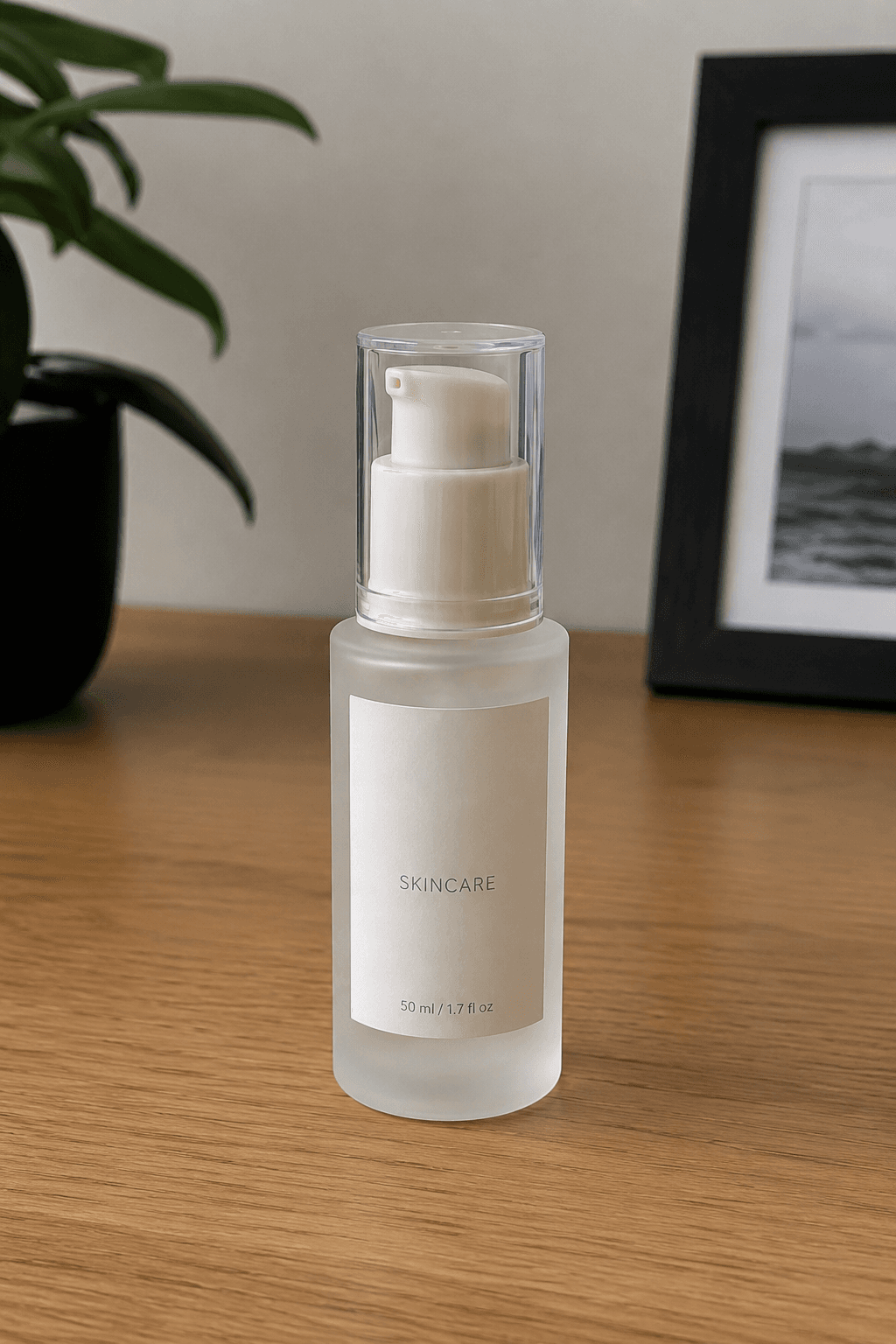
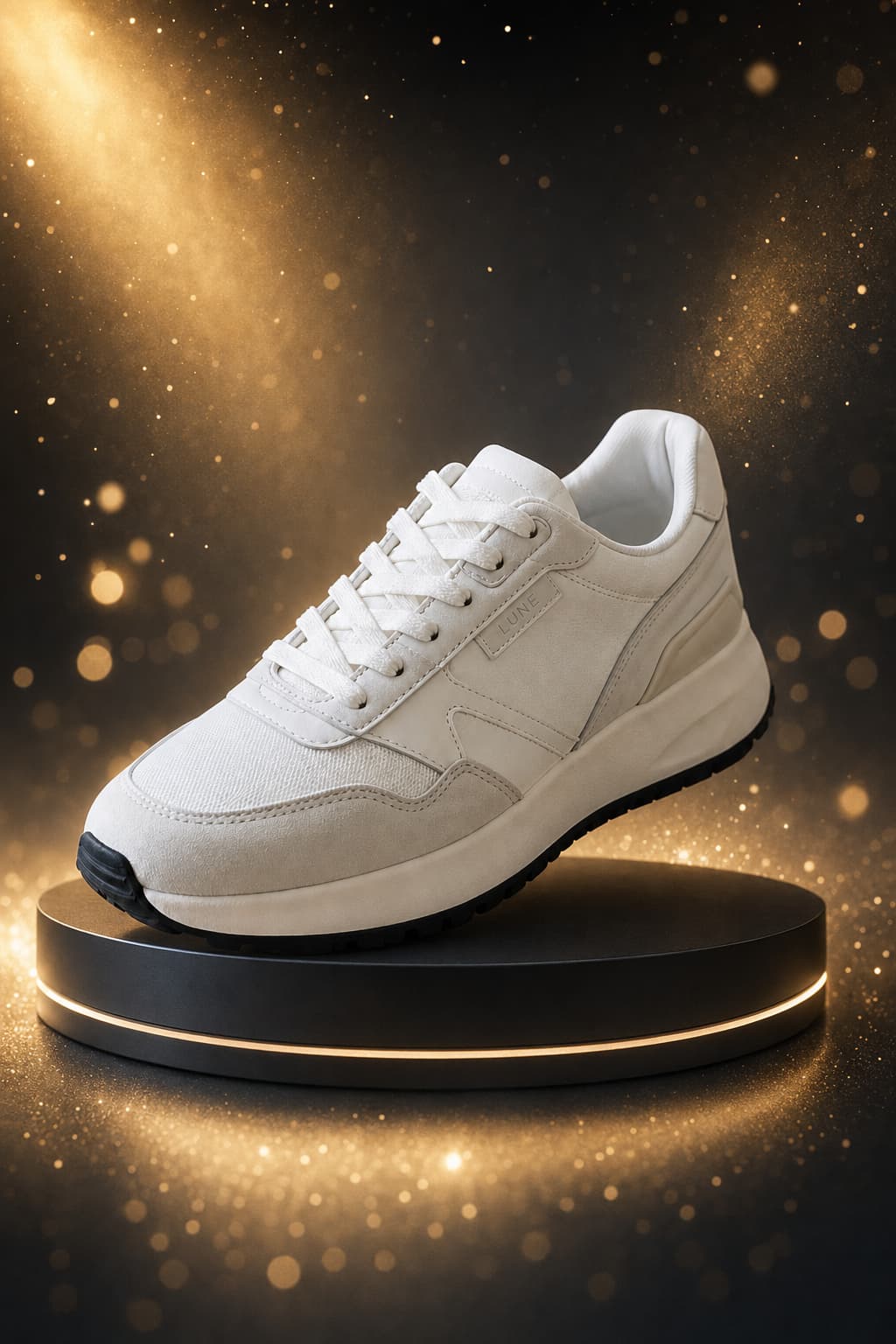
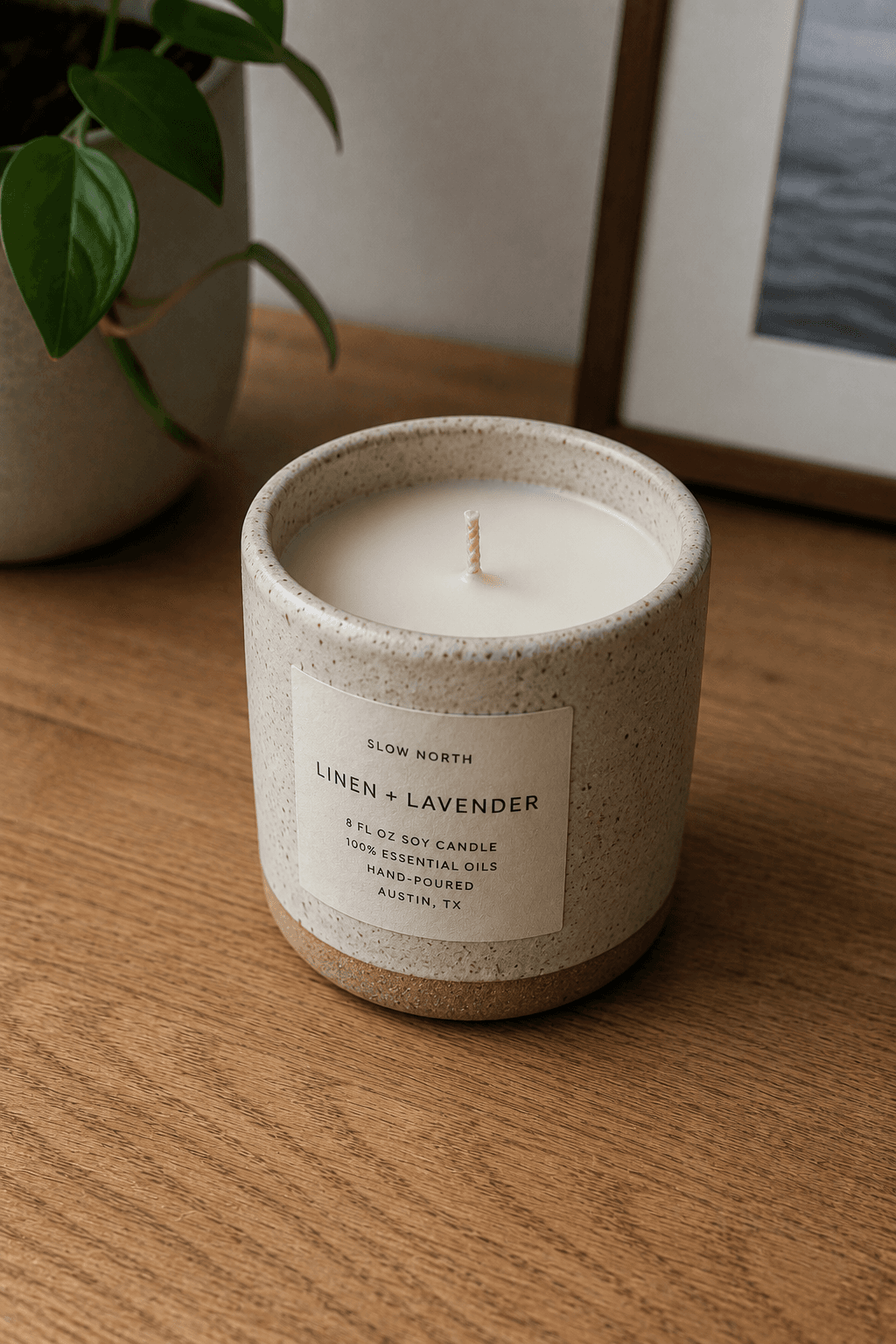
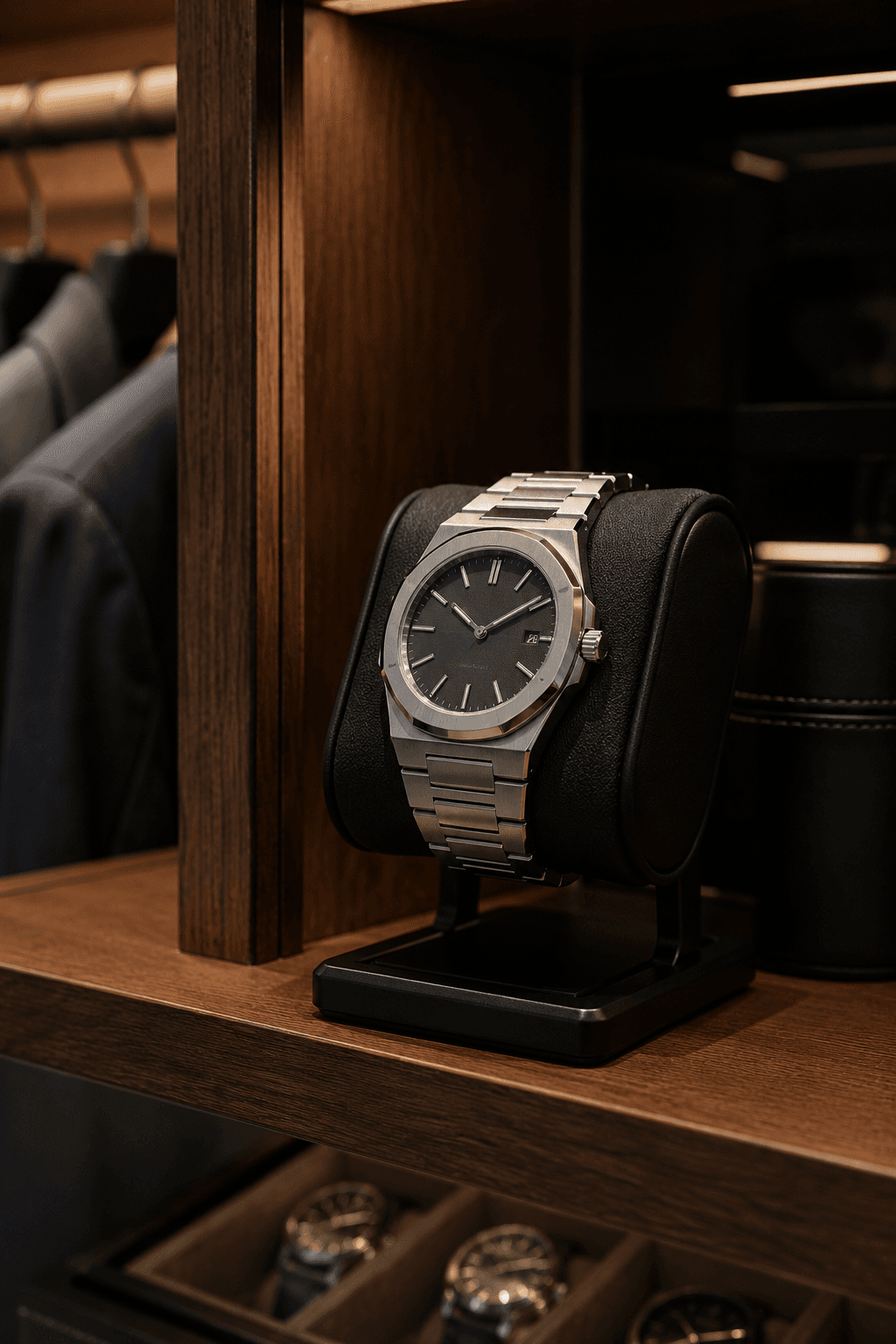
Real Aphilly output, across categories. The same looks apply to whatever you sell - so a catalogue full of different products still reads as one brand.

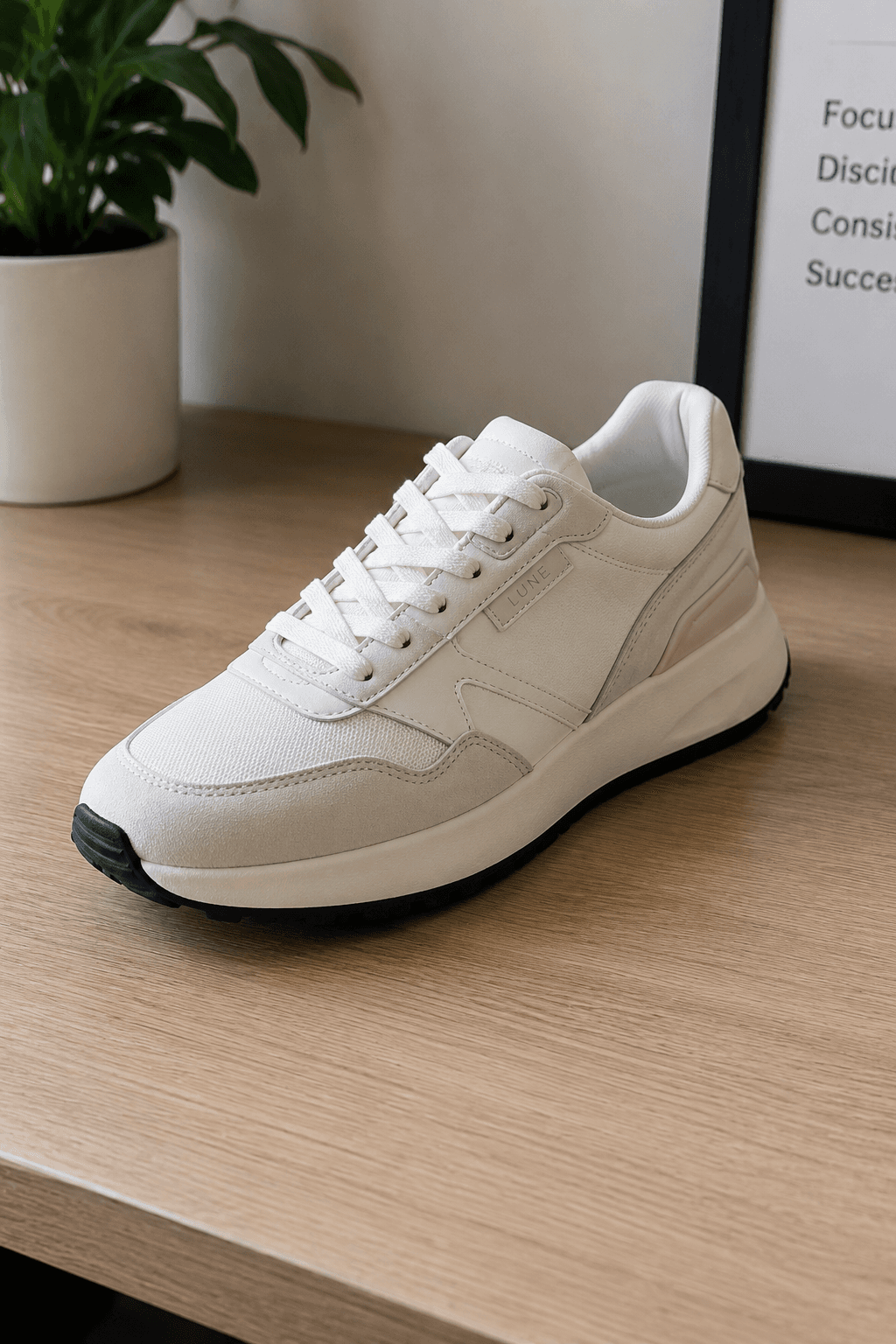

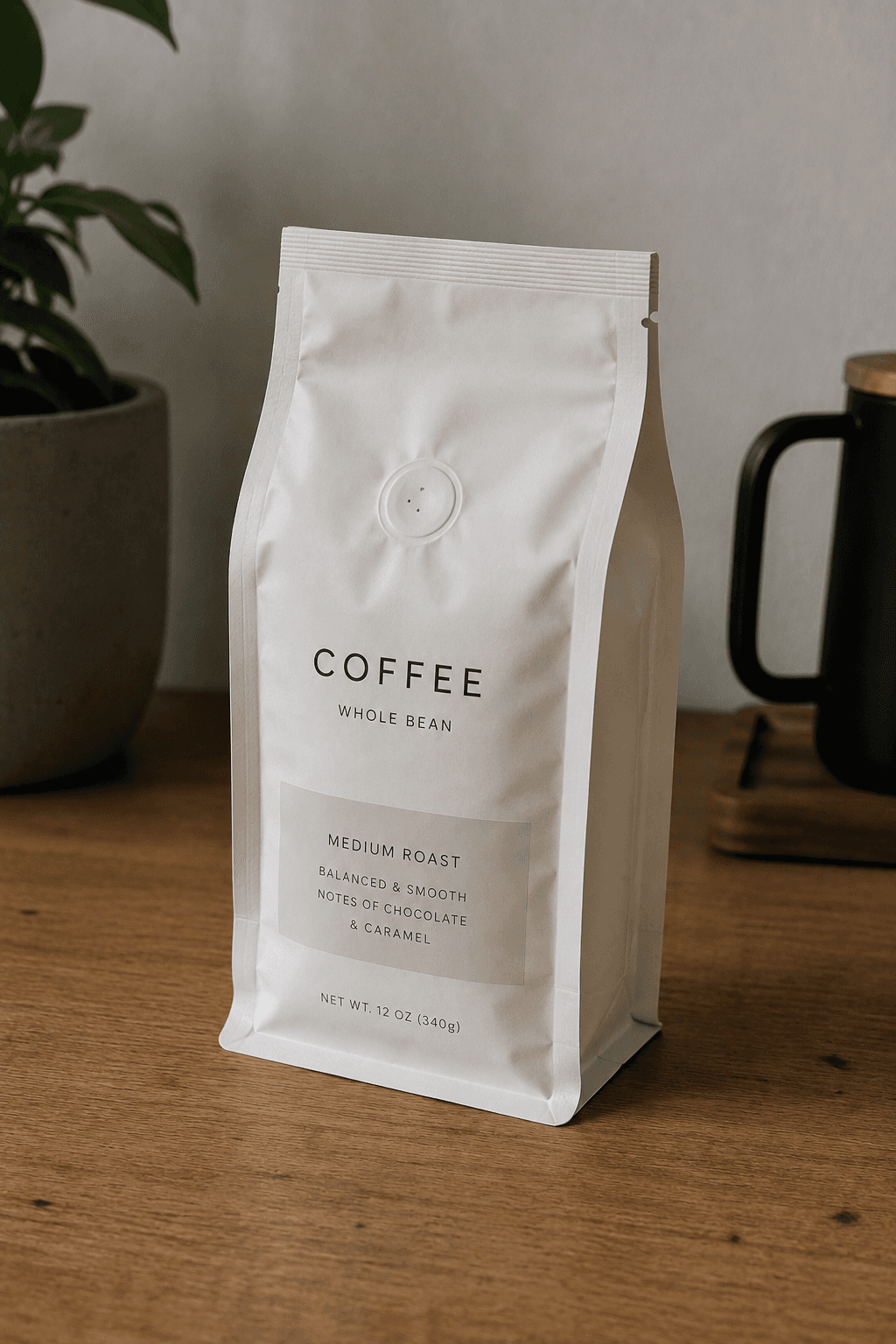
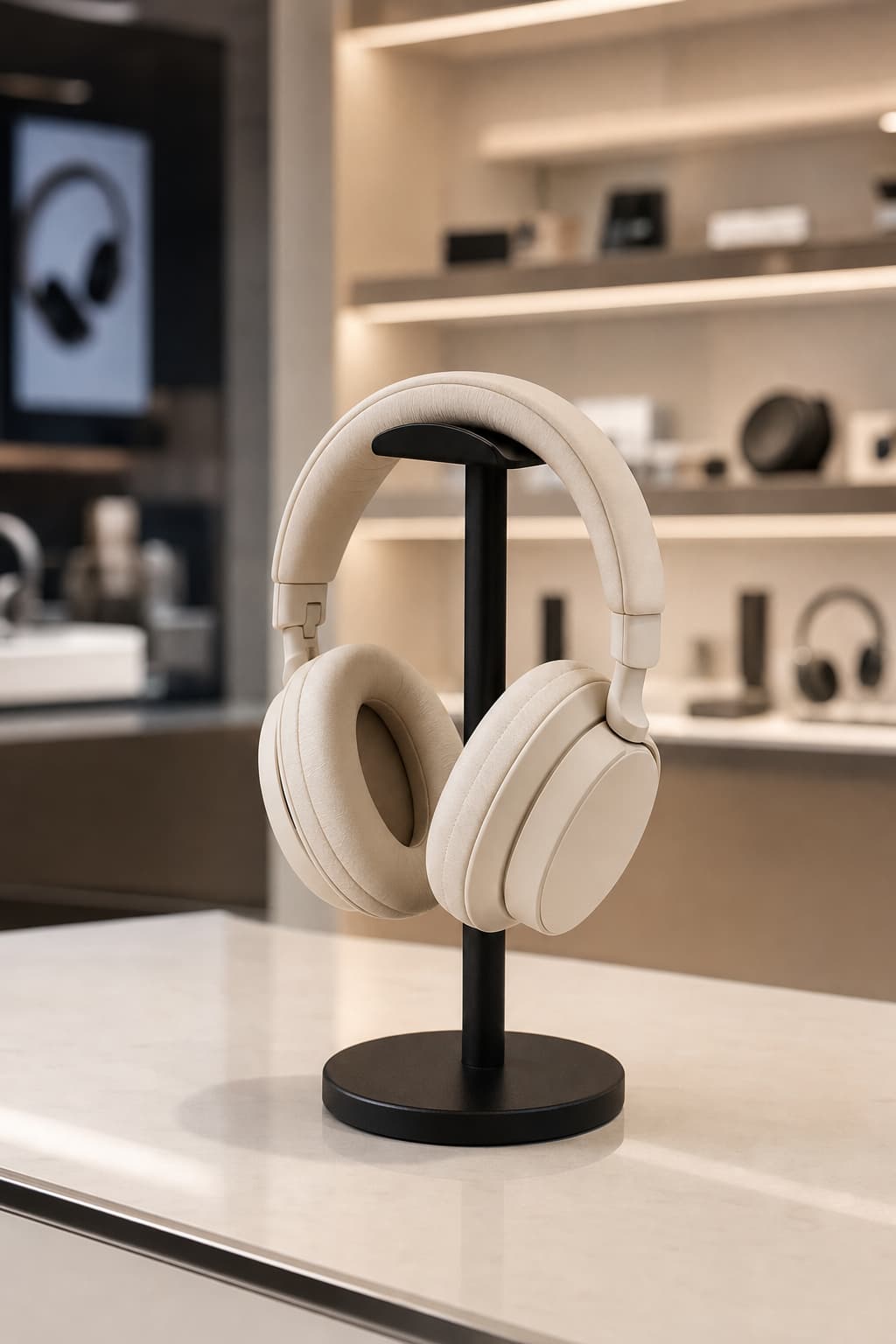
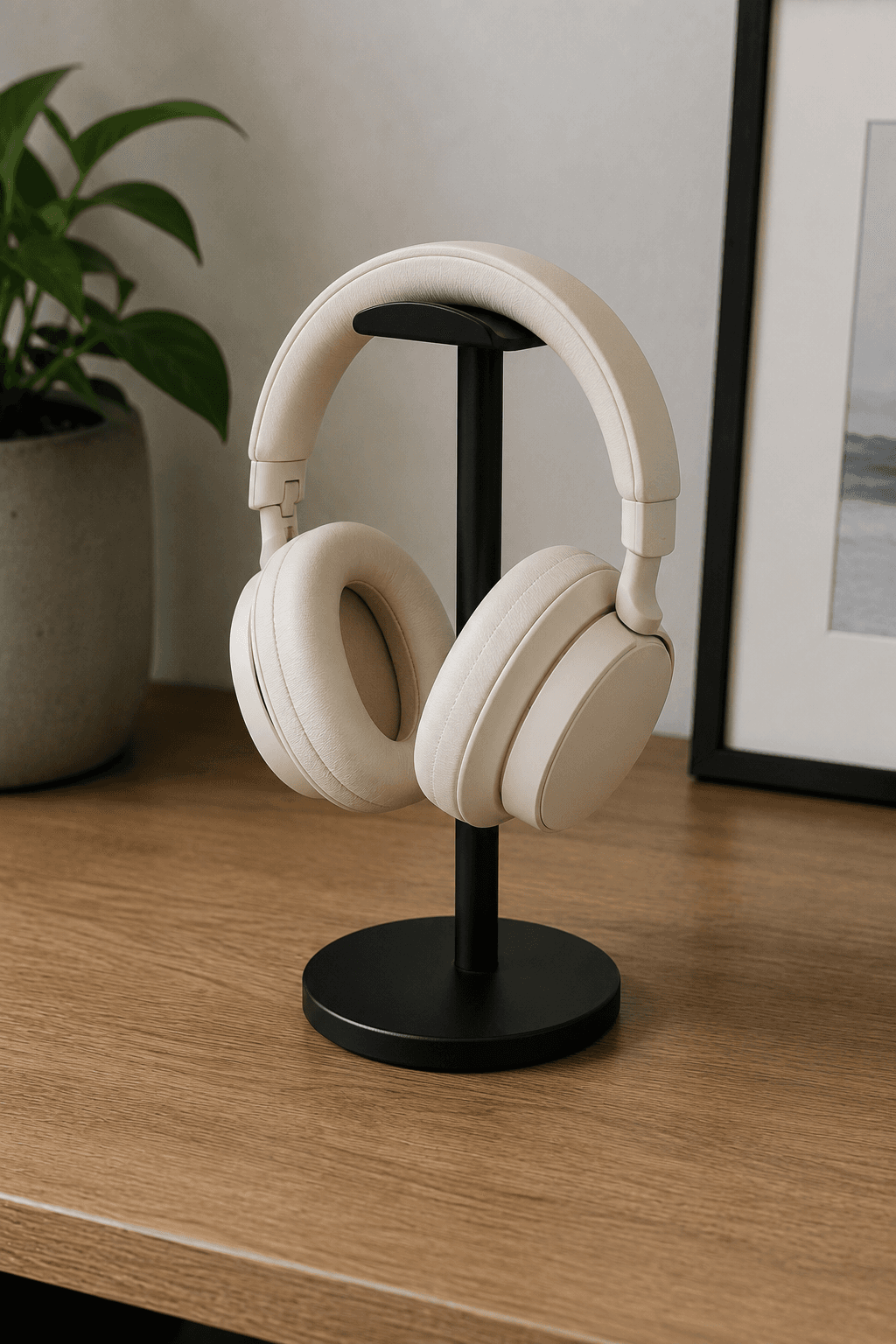


Define your look once.
Reuse it forever.
Most tools give you one setting for one image. Aphilly lets you build a plan - several different looks, each configured separately, priced and reviewed before you spend anything - and save the whole plan as a template. Every new product you add gets the same treatment in one click.
Build a plan, not one setting
Most tools give you one setting for one image. Aphilly lets you configure several different looks at once - each with its own scene, size and count - and see the whole cost before you spend anything.
Save the whole plan
Keep that set of looks as a named template. It's the recipe for how your products should look, not a single filter you have to rebuild from memory each time.
Apply it to the next SKU
New product? Pick the template and generate. Every item in your catalogue gets the same treatment, so the tenth product looks like it belongs beside the first.
Test ten looks.
Commit to one.
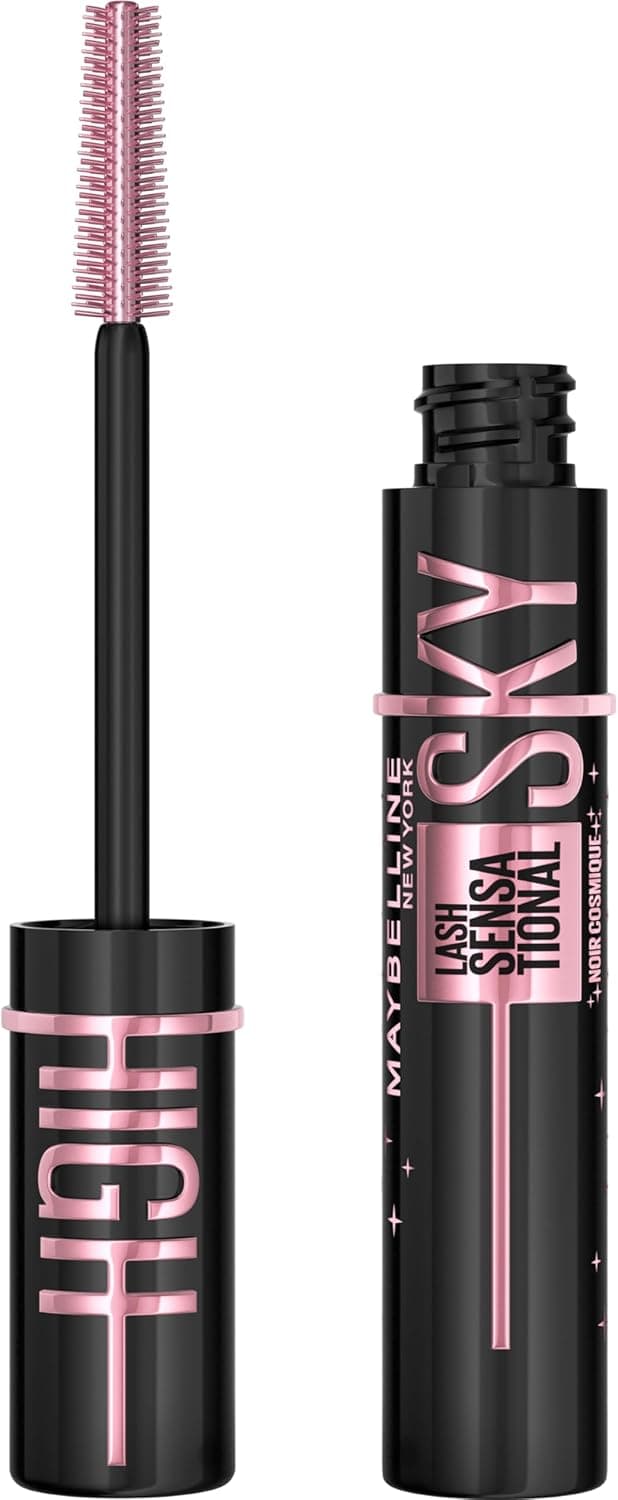
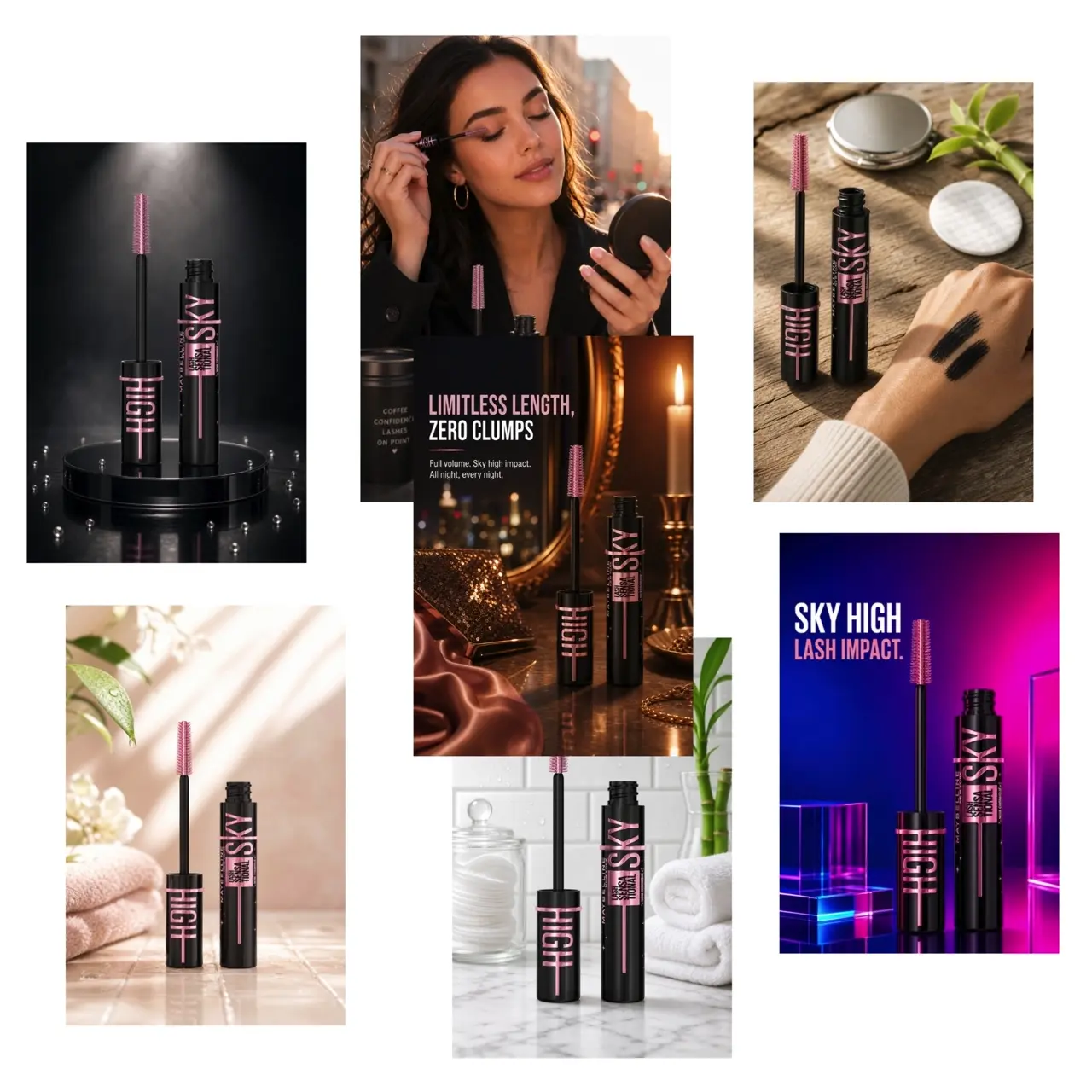
Build a plan of variations - different scenes, lighting, and moods - and get them all back in one batch. Compare side by side, pick the one that fits your store, then save it as the template every other product follows.
One look, every product
Save a set of looks as a template and apply it to the next product, and the next. Your storefront stops looking like it was shot by five different people.
Start from what you already have
Flat supplier shots and phone photos are the input, not a problem. No studio, no lightbox, no reshoot.
Ready for where you post
Feed, story, pin, listing - the sizes you need, without opening a design tool.
Simple enough
to do on your phone.
No editing software, no learning curve, nothing to install. Upload, generate, download.
Upload a product photo
A flat supplier shot or a phone photo on a table is enough. Or import a product you already sell.
Pick or reuse a look
Choose how it should look, then save that as a template so every future product gets the same treatment in one click.
Download and post
Grab it already sized for your listing, feed, story or pin - and put it wherever you sell.
No photo yet?
Start from a listing.
Paste an Amazon link or browse bestsellers across 40+ categories, and we'll pull the product in for you - title, image and details. Handy when the product exists but a decent photo of it doesn't.
Paste a link
Have the listing but not the photo? Paste any Amazon product URL and Aphilly pulls in the real title, image and details for you.
Or browse a catalogue
Search live bestsellers across more than forty categories, from beauty and home to electronics and automotive, and pull a product straight in.
Same flow from there
However the product got in, it lands in your library and works exactly like one you uploaded - same looks, same templates, same sizes.
Start small.
Scale as you go.
Begin with 10 free credits and no card. Top up for as little as $3 when you need more, or subscribe once volume makes it worth it.
Every generated image costs credits - a fresh look, another variation, or a resize all count the same. HD is one credit; Ultra (sharper, higher-detail) is two. No hidden metering, no surprises.
- 40 credits per month
- HD quality
- Reusable look templates
- Amazon Bestsellers API access
Cancel anytime
- 90 credits per month
- HD + Ultra quality
- Reusable look templates
- Extra-fast AI variations
- Shopify store integration — Soon
- Amazon Bestsellers API access
Cancel anytime
- 75 credits per week
- HD + Ultra quality
- Reusable look templates
- Extra-fast AI variations
- Shopify store integration — Soon
- Brand presets + logo — Soon
- Amazon Bestsellers API access
Cancel anytime
Higher volume than Scale, or needs we haven't built yet.
- Custom credit volume
- HD + Ultra quality
- Extra-fast AI variations
- Shopify store integration — Soon
- Priority support
- Invoiced billing
Need more? We'll build a plan around it.
Pay as you go
Credits, bought once, used whenever. No plan, no renewal, no expiry. Starting with 10 products is cheap - scale as you go.
Questions,
answered.
Everything you need to know before your first image.